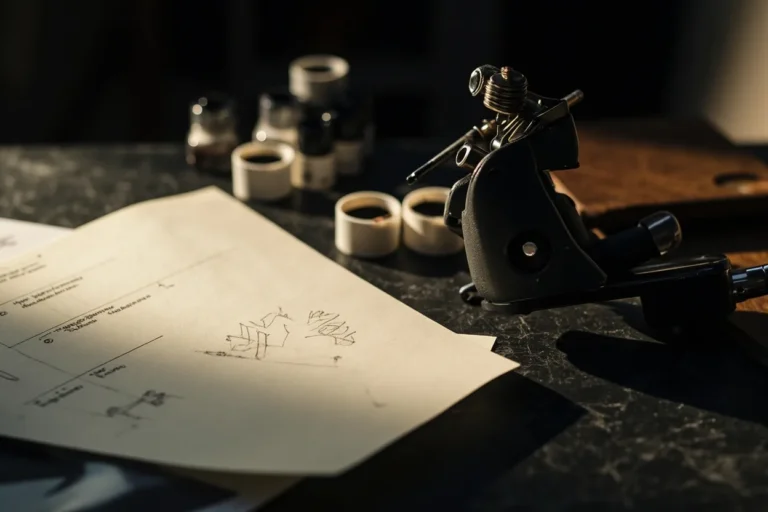
I’ve had the same conversation maybe three hundred times. Someone walks into my shop with a phone full of screenshots, a half-baked idea from some free tattoo design app, and this hopeful look like they’re about to revolutionize the industry. Sometimes it works. Usually, it doesn’t. Designing your tattoo online free can be a genuine starting point, I’ve seen clients bring in rough concepts that turned into beautiful, original work. But I’ve also watched people get so attached to a generic digital mockup that they can’t hear why it won’t work on actual human skin. This guide is what I tell folks in my chair, stripped down and honest. No app is going to replace a good artist, but free online tools can absolutely help you figure out what you actually want before you book that consultation.
Popular Free Design Tools and What They Actually Do
Let me break down what’s out there, because I’ve watched clients use everything from basic phone apps to full AI generators. Each has its place, and each has serious limits.
Basic Apps and Stencil Makers
Apps like InkHunter or Tattoodo’s free tier let you slap pre-made designs onto a photo of your arm. I’ve seen clients use these to test size and placement, which is genuinely useful. The problem? The designs are usually flash-level generic, roses, wolves, infinity symbols with feathers. If you’re using these, treat them like training wheels, not a final destination. I tell people: screenshot the placement you liked, not the design itself. Bring that to your artist and say “something original, about this big, sitting here.” That’s a conversation starter.
AI Generators and Their Real Limitations
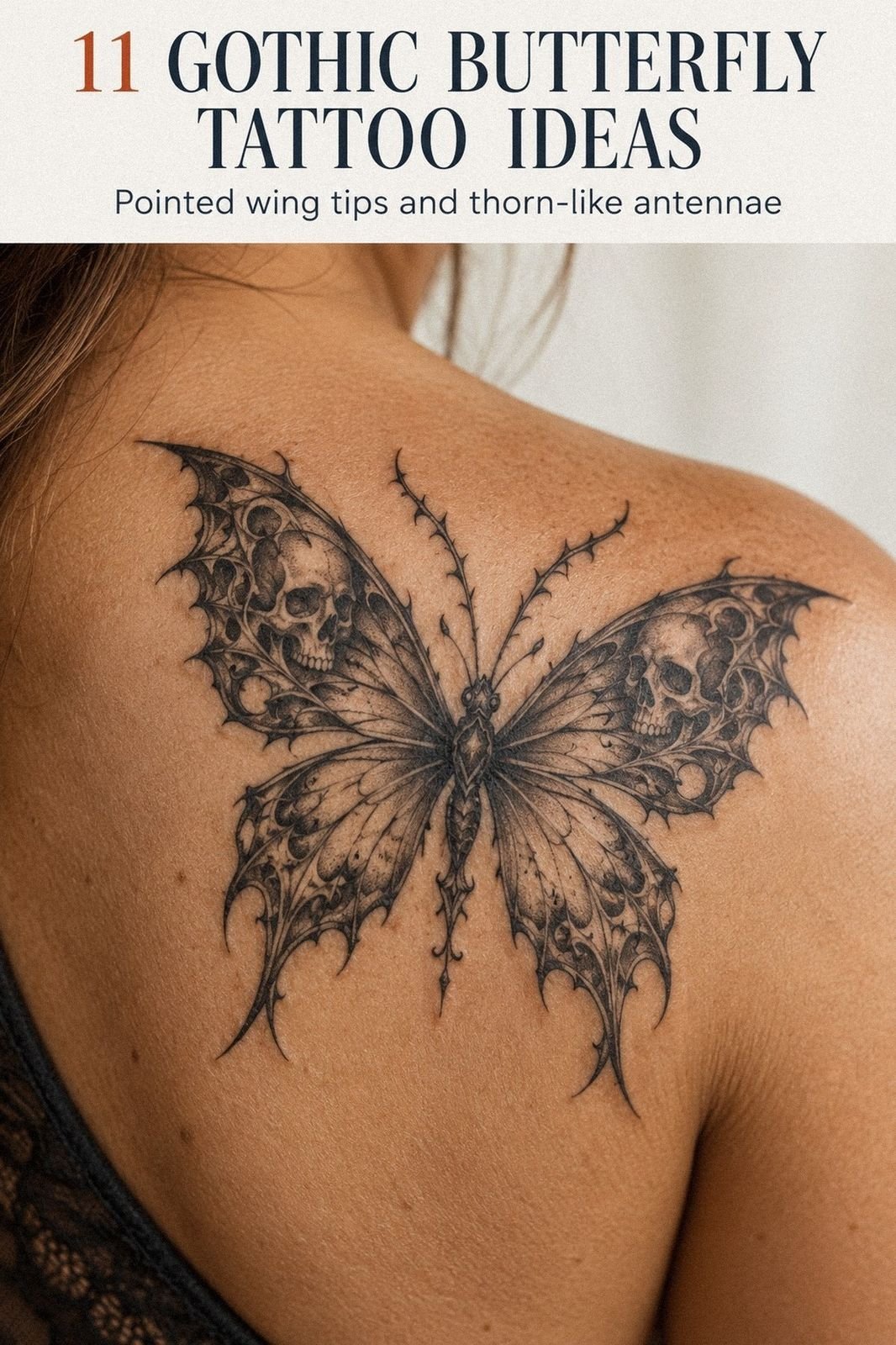
The AI tattoo generators are everywhere now. I’ve had clients bring in these hyper-detailed, almost painterly images, dark fantasy stuff, photorealistic portraits, whatever. They look incredible on screen. Then I have to explain that skin isn’t paper. Those tiny gradients and micro-details? They’ll blur into gray mush in two years. Lines need to be bold enough to hold. Shading needs breathing room. AI doesn’t know about needle groupings, skin elasticity, or how black ink spreads slightly under the surface. Use AI for mood boards, not blueprints.
- Free AI tools: good for exploring themes and unexpected combinations
- Bad for: exact replication, technical feasibility, understanding aging
- What to bring your artist: the vibe, not the pixels
Design Ideas That Actually Translate to Skin
After twelve years, I can spot an idea that’s going to work versus one that’s going to fight us the whole session. Here’s what free online tools can help you develop into something tattooable.
Geometric and Pattern Work
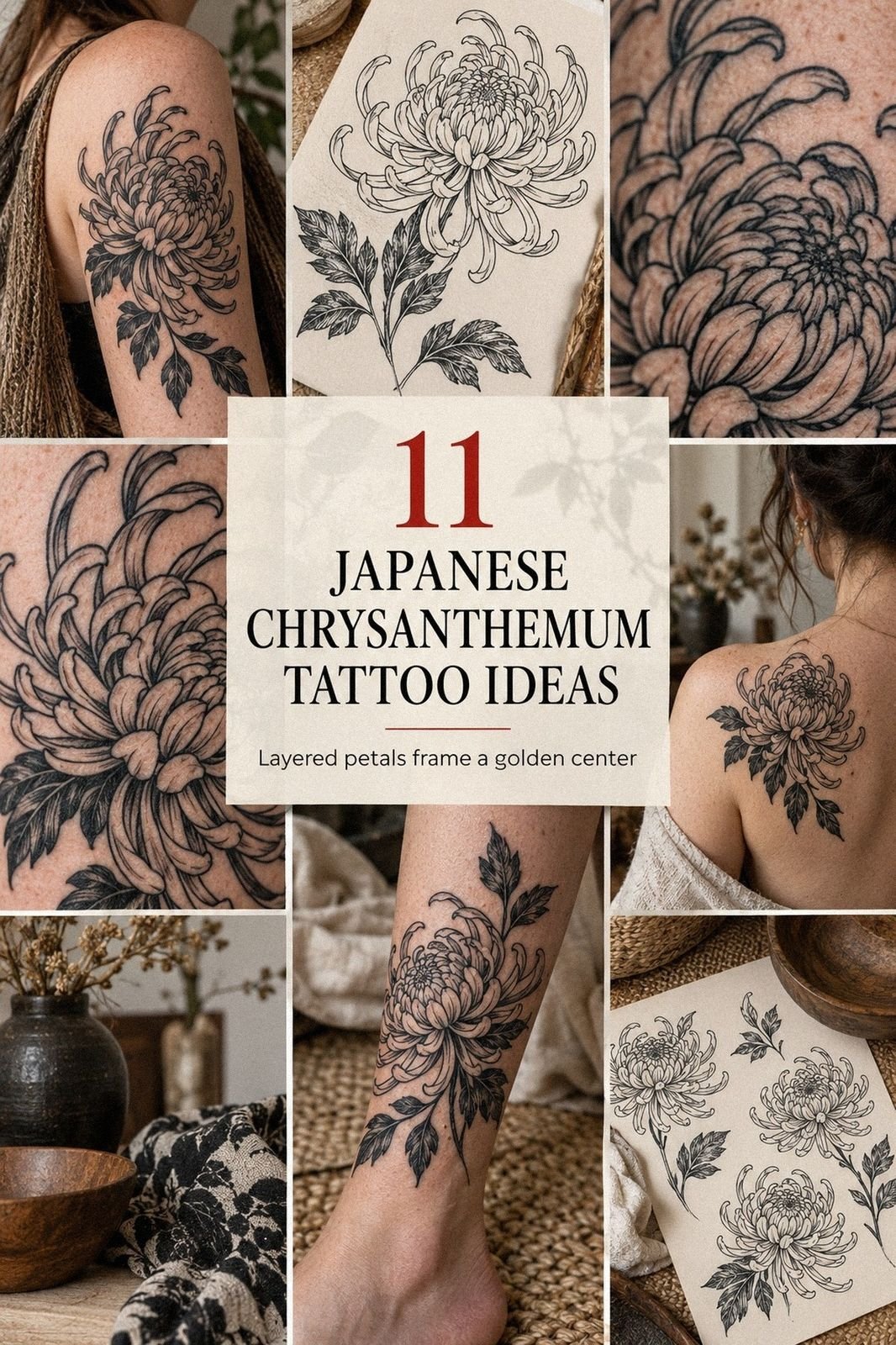
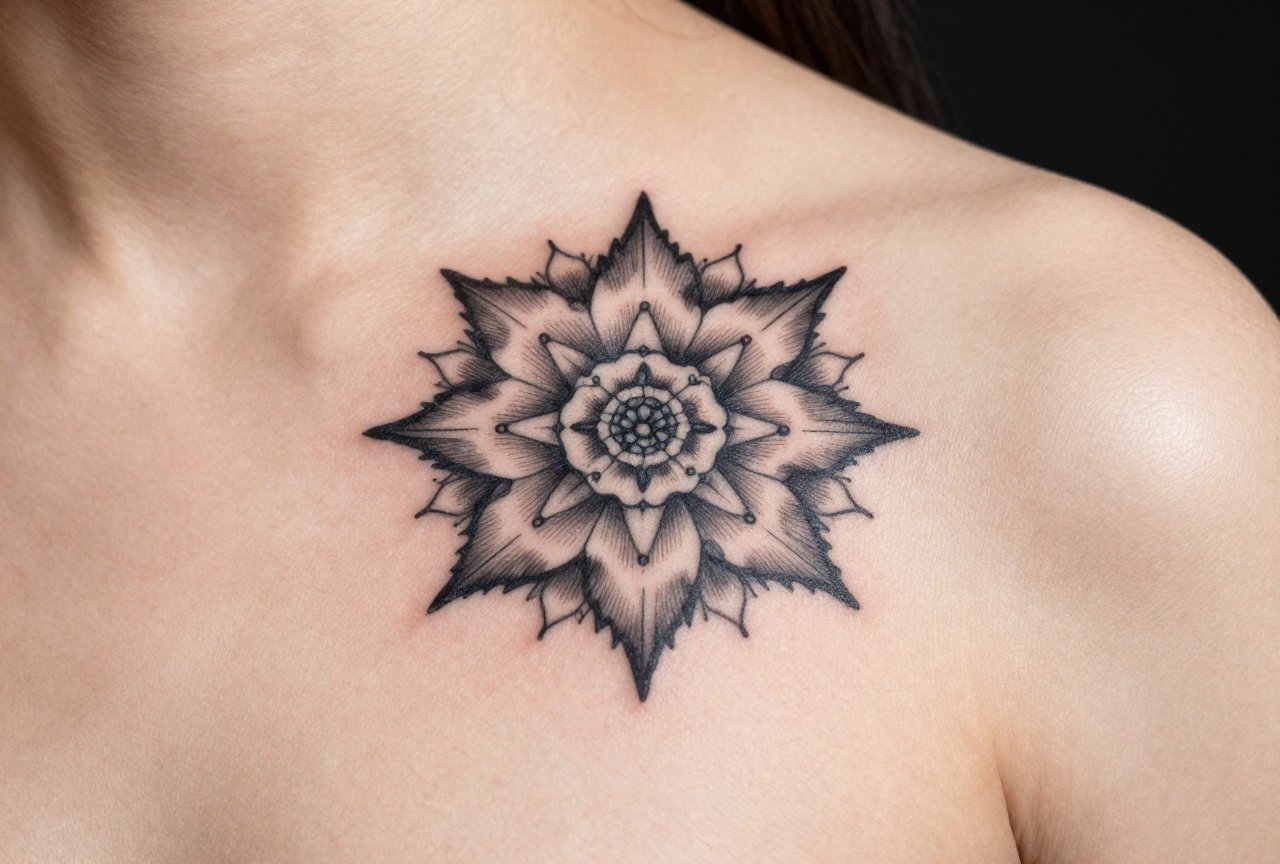
This is where digital design shines. Sacred geometry, mandalas, dotwork patterns, these start as digital files anyway. I’ve had clients use free vector tools like Inkscape to play with proportions, then bring me the file. Huge time-saver. We can adjust line weight for the specific body part, scale elements so they don’t distort over curves. The key is keeping lines thick enough: anything under about 1mm in the final tattoo risks falling out during healing or blurring within a few years.
Typography and Lettering
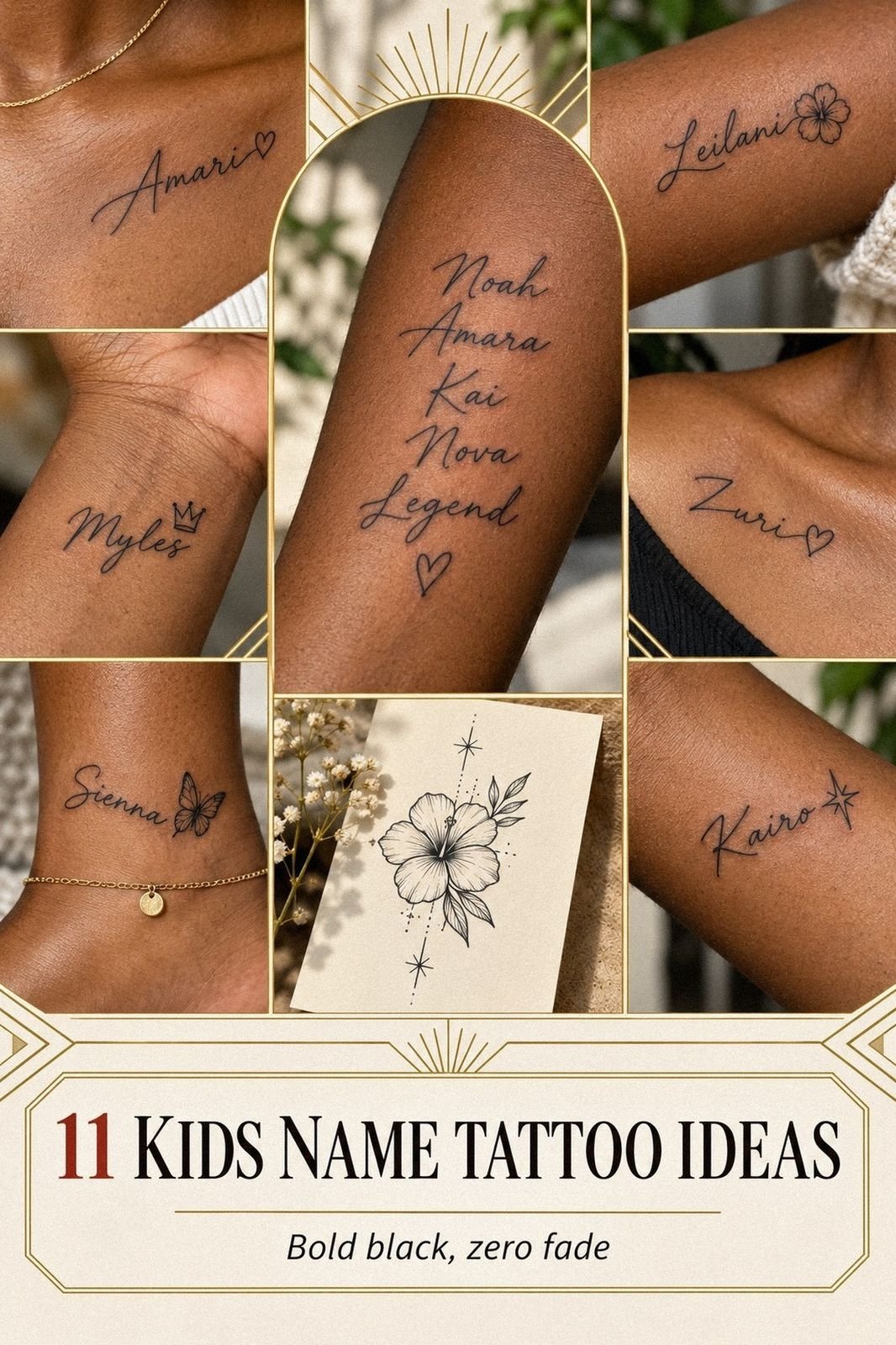
Free font sites are endless. But here’s what I say to everyone: your skin is not a Word document. Fonts that look crisp at 12pt on screen need serious modification for tattooing. Serifs get muddy. Thin scripts can disappear. I always redraw lettering, but I appreciate when clients have tested five or six options and know the feel they want, elegant, brutal, handwritten, formal. Bring me that direction, not the font file.
- Script tattoos: plan for aging, keep it readable at a glance
- Bold lettering: holds better, more forgiving of small errors
- Placement matters: ribs flex, fingers wear fast, inner bicep stays cleaner
Best Placements for Self-Designed Work
Where you put it changes everything. I’ve watched people design something perfect for a forearm, then insist on the ankle, and wonder why it looks cramped. Free online tools let you test this, use them.
Flat Canvas Areas
The outer forearm, outer thigh, upper back, these are forgiving. Skin is relatively stable, not too much stretching or compression. If you’re designing online, these placements are your safest bet for translating digital art directly. I did a client’s self-designed geometric piece on her outer forearm last year; minimal adjustment needed, healed clean, still looks sharp.
Tricky Spots That Need Artist Redesign
Ribs, elbows, knees, hands, feet, these are not “print and apply.” The skin moves differently, heals unpredictably, wears faster. I’ve had to completely restructure designs clients brought for ribs because what looked balanced on a flat rectangle became distorted wrapped around a breathing body. If your free design tool doesn’t account for body curvature, know that your artist will need significant freedom to adapt.
- Forearm/upper arm: beginner-friendly, good for testing your design
- Chest/back: larger scale, more detail possible
- Hands/fingers: high wear, simple designs only, expect touch-ups
- Ribs/stomach: significant distortion with movement, plan for flow
Color Choices: What Free Palettes Get Wrong
Digital color is RGB light. Tattoo pigment is suspended in skin, viewed through layers of epidermis, under various lighting. They’re not even cousins. I’ve had clients bring in these bold neon gradients from free design tools and I have to be the bearer of bad news: we can’t do that. Not exactly.
What Actually Works
We see this a lot in the shop, people want watercolor tattoos that look like digital paintings. Some artists specialize in this, but the technique is specific, and the free online version is usually oversaturated. Real watercolor tattoos use deliberate negative space, controlled bleeding, and heal softer than they look fresh. If you’re designing with color online, look at healed photos, not fresh work. Better yet, look at five-year-old tattoos. That dusty rose, that muted teal, that’s your real palette.
Black and Gray: The Honest Default
Black ink is the most predictable thing we work with. It heals consistently, ages gracefully, works on more skin tones. If you’re using free design tools, I’d strongly suggest exploring black and gray versions of your idea. I’ve converted many client color concepts to monochrome and they’ve been happier long-term. Less fading, less touch-up, more timeless.
- Bright digital colors: usually translate 20-30% duller in skin
- White ink: heals yellowish, not recommended for standalone highlights
- Black and gray: most reliable, best aging, easiest to modify later
Tips for Choosing: What I Tell Every Client
Designing online is fun. It’s low stakes, no commitment. But eventually you’re sitting in someone’s chair, and the needle is real. Here’s how to bridge that gap without wasting anyone’s time or money.
Build a Reference Folder, Not a Final Design
The best client consultations I’ve had? The person brings ten images: three for mood, two for composition, one for the specific element they love, a couple showing what they don’t want. That’s it. They didn’t spend forty hours on a free app trying to “finish” it. They trust the process. I can work with that. The worst consultations are when someone’s so attached to their digital mockup that they can’t hear why the text is too small or the detail too dense. Build references, not prescriptions.
Test Drive Your Idea
Print it. Tape it on. Live with it for two weeks. I’ve had clients do this with free designs and realize they hate the placement, or the size is wrong, or they don’t actually want that quote visible in a job interview. Better to learn with printer paper than with permanent ink. We see this a lot, people who skipped this step and now want cover-up consultations. Save yourself the trouble.
- Live with the placement before committing
- Show your references to trusted honest friends, not just hype friends
- Ask your artist: “What would you change?” Then actually listen
- Budget for the good artist, not the cheap one, redesigns are expensive
Final Thoughts
Designing your tattoo online free isn’t cheating. It’s not less authentic. I’ve had clients bring me incredible starting points from free tools, rough concepts that became pieces I’m proud to have in my portfolio. But the screen is step one, and skin is step ten, with a lot of technical reality in between. The best thing you can do with any free design is bring it to a professional with humility. Say: “I like this feeling, this composition, this idea. What would you do?” That question opens the door to something original, something that will actually live and age on your body instead of dying on your phone. I’ve been doing this long enough to know: the tattoos people love ten years later were collaborations, not copies. Use the free tools. Explore. Play. Then let the human with the machine take it somewhere better.
Frequently Asked Questions
Do free online tattoo designs look the same once tattooed?
Almost never. Screen images are backlit, flat, and can show detail that needles can’t replicate in skin. Lines spread slightly, colors heal duller, and skin texture adds dimension no app predicts. Your artist will need to adapt any digital design significantly.
Can I just bring a free AI-generated tattoo design to any artist and ask them to copy it?
Most reputable artists will refuse or heavily modify it. We need to ensure the design works technically, ages well, and isn’t replicating someone else’s copyrighted work. Good artists want to create original art, not be a human printer.
How do I know if my free design will work on the body part I want?
Print it to size, tape it on, and move that body part for several days. Bend, stretch, look in different mirrors. What stays readable and balanced? What distorts? Your artist can confirm, but this test reveals obvious problems early.
Are there any free tools that tattoo artists actually recommend?
I suggest basic placement apps like InkHunter for sizing, and vector tools like Inkscape for geometric work. For everything else, Pinterest-style mood boards beat finished designs. Bring inspiration, not instructions.
More Tattoo Ideas
- Dexter Tattoo Ideas for True Fans
- Famous Tattoo Designs That Actually Last
- Film Tattoo Ideas for Movie Lovers
- Explore more